Instagram
  by
by 
 9 min read

Looking for apps to download Instagram statuses? Then you've come to the right place! After all, who hasn't wanted to save some Instagram content to their phone, or even their computer, only to discover that there's no native platform tool to do so? Unlike TikTok, which has a native feature that allows users to download videos from the app, this isn't possible on Instagram. That doesn't mean there's no way to download photos and videos from the platform. That's what we're going to talk about in this article! So, if you want to discover the best apps to download Instagram statuses, keep reading. We have a carefully curated selection for you to choose your favorite and start downloading right now.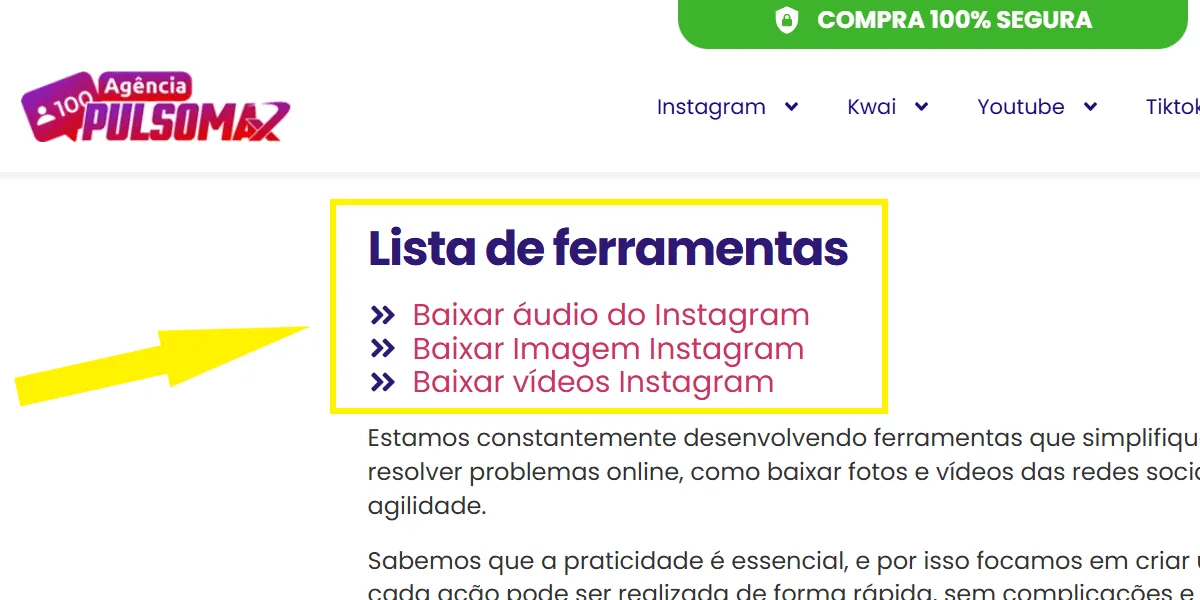 If you're looking for a good app to download Instagram statuses, we have what you need right here at Pulsomax: our essential Instagram download tools . With them, you can easily download videos, photos, and audio without any hassle. We have 3 options for you to choose exactly what you want:
What does downloading Instagram statuses mean?
For those unfamiliar with the term, downloading Instagram statuses means downloading photos and videos posted on the social network. This is interesting for many users for different reasons. For example, for people with personal accounts who aren't necessarily interested in improving Instagram engagement , downloading photos and videos can be a way to save memories and interesting content offline. Now, for those who want to know how to grow on Instagram, downloading statuses can be even more interesting. For example, it's possible to download your own Reels videos without watermarks and with the video's audio, optimizing the editing of that same content for posting on other platforms. In the case of partnerships, you can even download your partner's content to use in your own new creation. But remember: never download videos and photos from other users to publish without their permission. There's nothing wrong with downloading content for personal use on your own device. However, third-party content is protected by copyright, and you can't simply repost it on Instagram without giving credit to the content creator. Okay, now that you know what downloading your Instagram status is, let's check out 7 apps to do it quickly and easily!1. Apps for downloading Instagram statuses: Pulsomax tools
If you're looking for a good app to download Instagram statuses, we have what you need right here at Pulsomax: our essential Instagram download tools . With them, you can easily download videos, photos, and audio without any hassle. We have 3 options for you to choose exactly what you want:- Download images from Instagram;
- Download videos from Instagram;
- Download audio from Instagram.
How much does it cost to use Pulsomax's Instagram download tools?
You don't pay anything to download Instagram statuses with our tools. There's also no limit to the number of posts you can download. We only recommend that you respect Instagram's interaction limits per minute, per hour, and per day (the daily limit is approximately 500 interactions, in this case, 500 downloads). This is important because when you repeatedly perform an action on Instagram, the platform's algorithm may interpret your action as spam. If the platform identifies any suspicious activity, you may face penalties on your account, such as limited access to some Instagram features, temporary bans, or even permanent bans if it's a really serious or very frequent infraction. Also, check out: step-by-step guide on how to post photos on Instagram .Six more app options for downloading Instagram statuses.
Now that you know about Pulsomax's Instagram status download tools, we've also prepared some other suggestions for useful tools, so you have more options to choose from whenever you need them. After all, our goal is to make your day-to-day life easier, always bringing you interesting content and useful tools.1. Download stories using Insta Stories Viewer.
Insta Stories Viewer is a simple website that, like Pulsomax tools, can be used on both your PC and mobile browsers. Simply access the website and enter the username of the person whose stories you want to download in the text box.- Next, click the magnifying glass button on the right;
- Choose what you want to download by clicking on stories or posts (to download both, you need to repeat this step twice, changing only the desired option);
- Then tap download.
2. iGram Story Saver
iGram's Story Saver tool is a great choice for those who want to download stories safely. Unlike the previous tool, you don't need to enter the username of the person whose content you want to download. Simply:- Copy the story link by clicking the three-dot button in the upper right corner of the screen;
- Open the Story Saver website in your browser;
- Color the link in the box inside the Story Saver website;
- Click download and you're done!