WordPress Error Correction with Expert Support
WordPress is one of the most widely used platforms for creating websites, blogs, portals, institutional pages, and professional online projects. Its popularity is related to its ease of management, the wide variety of themes and plugins, and the ability to customize virtually every element of a website.
In addition to creating blogs and institutional websites, WordPress can also be used to develop a complete online store. Through WooCommerce and other features, it's possible to register products, receive payments, manage orders, configure delivery methods, and administer an e-commerce operation directly from the control panel.
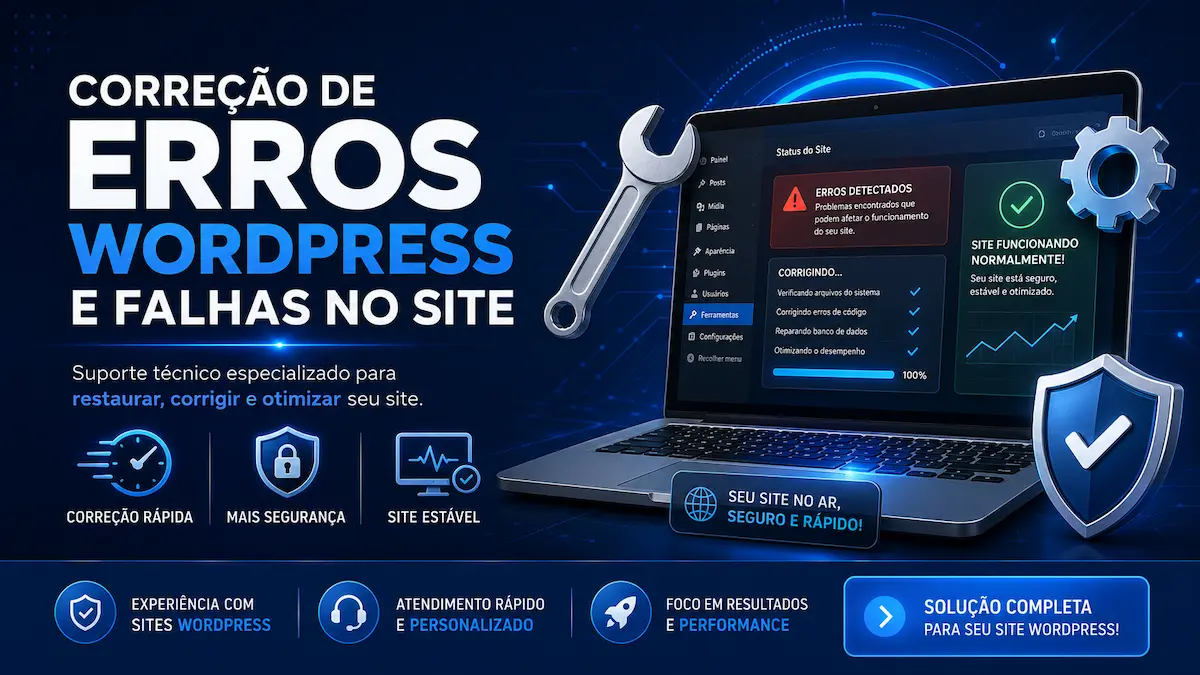
Despite being a secure, flexible, and efficient platform, some problems may arise during its use. In these cases, having a specialized WordPress error correction service is important to identify the source of the problem and apply an appropriate solution without compromising the site's functionality.
Why do errors occur in WordPress?
Many WordPress errors can be caused by incompatibilities between plugins, themes, PHP versions, hosting resources, or system updates themselves.
Since WordPress allows the installation of different extensions, some plugins may conflict with each other or be incompatible with the theme being used. This can cause layout glitches, pages that don't load, errors in the admin panel, problems with WooCommerce, a white screen, critical errors, slow performance, or complete unavailability of the site.
Updates performed without verifying technical requirements can also cause problems. An outdated plugin, an incompatible theme, or an unsuitable PHP version can affect the functioning of different areas of the project.
Among the most common problems are:
-
Critical error in WordPress;
-
White screen when accessing the website;
-
Error 404 in pages and publications;
-
Error 500 or internal server failure;
-
WordPress site is down;
-
Administrative panel inaccessible;
-
Conflicts between plugins;
-
Incompatibility between theme and plugins;
-
Layout is misconfigured or broken;
-
Problems after an update;
-
Failures in the Elementor or Gutenberg;
-
Errors in WooCommerce;
-
Problems with the shopping cart and checkout process;
-
Database connection failures;
-
Problems with PHP files, code, or settings.
How do we fix WordPress errors?
The process begins with a general analysis of the site to understand the behavior of the failure and identify the factors that may be causing the problem.
First, we perform a technical check of WordPress, including analysis of the source code, system files, settings, installed plugins, and the theme used. When necessary, we also check error logs, the database, the PHP version, and available hosting resources.
Next, we perform a detailed inspection to identify exactly where the problem is located. This step allows us to differentiate between a failure caused by a plugin, theme, custom code, server, database, or incorrect configuration.
After finding the source of the error, we applied the most appropriate fix and ran tests to confirm that the feature was working correctly again. Whenever possible, we try to solve the problem without removing important website functionalities.
Depending on the fault, the work may involve:
-
Deactivation and individual testing of plugins;
-
Fixing conflicts between plugins and themes;
-
Adjustments to WordPress files;
-
Correcting sections of code;
-
Reviewing PHP configurations;
-
Database verification;
-
Fixing permanent links;
-
Adjustments to WooCommerce;
-
Recovering access to the dashboard;
-
Restoring resources that have stopped working;
-
Compatibility and functionality tests.
Support for websites, blogs, and online stores.
The WordPress support service can be used on institutional websites, blogs, portals, sales pages, content platforms, and online stores developed with WooCommerce.
Our goal is to perform a precise technical analysis, correct the contracted error, and restore the website's functionality securely. The estimated time for analysis and service completion is 48 to 72 hours , starting after we receive all the necessary information and access details.
Temporary access to WordPress
In order for the error to be analyzed and corrected, it will be necessary to provide temporary access to the WordPress admin panel. Depending on the type of problem, access to the hosting, database, file manager, or server control panel may also be requested.
After the service is completed, the client can change their password, remove the temporary user, and update all provided access information. For security reasons, we recommend creating a dedicated administrator user for the service and deleting it after completion.
30-day guarantee
All customers receive a 30-day guarantee on the corrected error. If the same problem recurs for the same reason during this period, a new analysis can be requested at no additional cost.
The warranty is valid only for the error identified and corrected in the original order. It does not cover new problems, different failures, or errors caused subsequently by updates, plugin installations, theme changes, alterations made by the customer or third parties, hosting problems, intrusions, or changes to the website structure.
If your website is experiencing glitches, broken pages, dashboard errors, or WooCommerce issues, a WordPress error correction service can help identify the cause and restore your project to working order.