This package includes:
- ✓Service delivered as contracted; Gradual delivery; No need to send password; Order tracking; Support in case of failure; Replacement according to policy.
Optimize the internal linking structure of your WordPress site with Interlinks Manager.
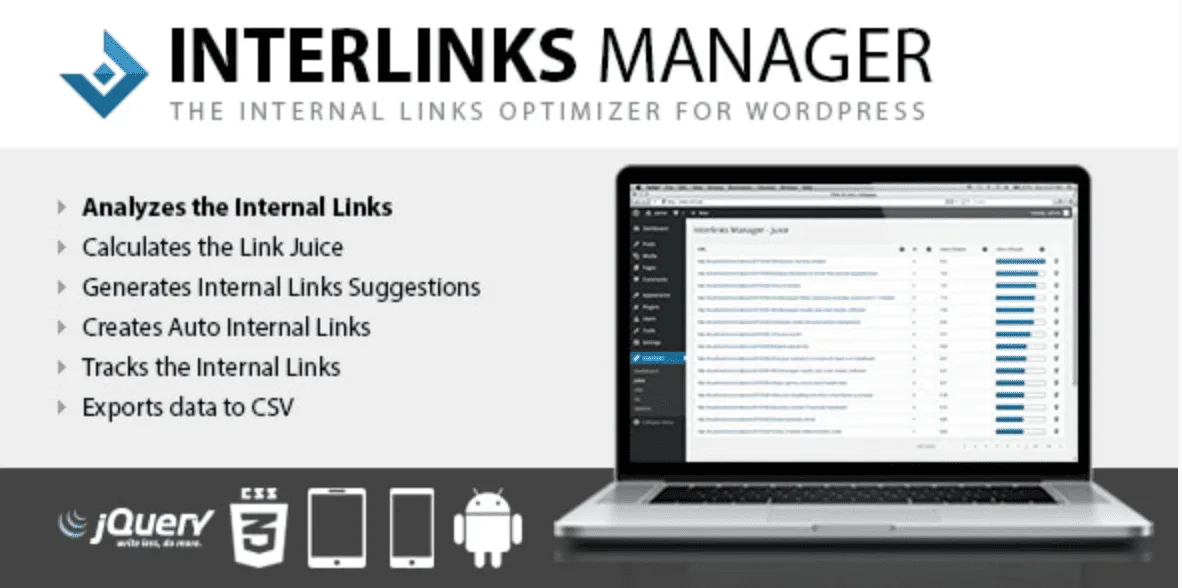

Interlinks Manager is an original WordPress plugin designed to facilitate the creation and strategic management of internal links. With it, you can analyze the site's linking structure, calculate the distribution of authority between pages, receive suggestions for relevant links, and create automatic links to articles, product pages, and important content.
The plugin helps to better organize website navigation, strengthen strategic pages, and make the internal link structure more efficient for users and search engines.
After purchase, the customer will always receive the latest available version of the plugin. In addition, they will be entitled to receive future updates, keeping Interlinks Manager up-to-date with new features, performance improvements, and bug fixes provided by the developer.
After completing the payment, the buyer will have access to the plugin to download automatically.
This product does not include replacements, only the updates to which the buyer is entitled.
Obrigado pela confiança, clique no link abaixo para baixar o arquivo contratado.
Entrega imediata: o botão para baixar o arquivo será liberado após a confirmação do pagamento e permanecerá disponível em Meus pedidos.
Interlinks Manager – Internal Links Optimizer for WordPress is a plugin developed to help website administrators, SEO professionals, content producers, online stores, and agencies create a more organized, strategic, and efficient internal link structure.
As a website grows, it becomes increasingly difficult to manually keep track of all the articles, pages, categories, and products published. Many important pages end up receiving few internal links, while others accumulate excessive links or use poorly strategic anchor text.
Interlinks Manager helps identify these situations and offers tools to analyze, plan, automate, and track your website's internal linking.
Internal links connect different pages within the same domain. They help visitors discover other related content and also make it easier for search engines to understand the site's structure.
A well-planned internal linking strategy can contribute to:
To make navigation easier for visitors;
Direct users to important pages;
Increase the discovery of old artifacts;
To better distribute the site's internal authority;
Strengthen product, service, and category pages;
Reduce the number of isolated pages;
Increase the time spent on the website;
Improve the organization of content;
Create natural pathways between related articles;
To support the indexing and crawlability of pages.
Internal linking does not replace the production of quality content, technical SEO, or other optimization strategies. However, it represents an important part of a website's organization, especially when there are dozens, hundreds, or thousands of published pages.
Interlinks Manager allows you to analyze the internal links present in WordPress content.
From the plugin's dashboard, the administrator can view information related to manual and automatic links, the number of visits generated by these links, and the optimization status of the content.
This analysis makes it easier to identify pages that need new links, content with too many links, and opportunities that might go unnoticed in a manual check.
Instead of editing articles without a defined strategy, you start working with information that helps you understand how the pages are connected.
One of the features of Interlinks Manager is the analysis of the authority flow between the site's URLs, also known as "link juice" distribution.
The plugin provides information about the links that contribute to the internal authority of each address. This allows you to assess which pages receive more support through their link structure and which content may require more attention.
This feature can be especially useful for websites that want to strengthen:
Service pages;
Strategic products;
Important categories;
Main articles;
Core content areas;
Landing pages;
Conversion pages.
With this information, it becomes easier to plan a structure in which auxiliary content directs relevance to the most important pages of the project.
Manually locating related articles can be quite time-consuming, especially on websites with a large amount of content.
Interlinks Manager offers a suggestion tool that helps you find pages and articles related to the content you are editing.
The system considers factors such as words present in titles, categories, tags, and custom publication types. Settings can also be adjusted to prioritize, include, or exclude specific content.
Therefore, while editing an article, you can find linking opportunities without having to manually search the entire site.
The automatic linking feature allows you to transform specific words or phrases into internal links.
You can register a keyword, determine the landing page, and configure where that association should be applied.
For example, an online store can configure terms related to its main products to direct visitors to the respective sales pages. A blog can automatically connect important concepts to its explanatory articles. A company can also target strategic expressions to service, quote, or contact pages.
This feature can be used for:
Direct visitors to product pages;
Strengthen important articles;
Create a knowledge base;
Connect technical terms to their explanations;
Promote service pages;
Recover old content;
Create pathways between related articles.
Automation reduces repetitive work, but still provides controls to prevent links from being applied excessively or inappropriately.
Creating automatic links without criteria can harm the readability of the content and generate an unnecessary number of links. Therefore, Interlinks Manager offers different control options.
Among the available settings are:
Defining the types of posts to which the links will be applied;
Limit on the number of conversions per keyword per piece of content;
Total limit of automatic links in each post;
Matching with differentiation between uppercase and lowercase letters;
Option to open the link in a new tab;
Applying the nofollow attribute;
Keyword prioritization;
Protection of specific HTML tags;
Defining limits for words and expressions;
Test mode before publishing the links.
Test mode allows you to evaluate potential applications and view statistics before automatic links are displayed to visitors and search engines.
In addition to creating and analyzing links, Interlinks Manager allows you to track visitor interaction.
Click tracking helps identify which internal links are being used and which pages are receiving visits through this strategy.
Among the information that can be analyzed are:
The content where the click occurred;
Date of click;
Landing page;
Type of link used;
Number of visits generated by internal links.
This data helps to assess whether the links are actually fulfilling their function. A page may have several internal links, but that doesn't mean they are all relevant or attractive to visitors.
The tracking allows you to review anchor text, placements, and landing pages based on observed behavior.
The plugin also provides information about the number of internal links present in the content.
Instead of applying a fixed rule to all publications, Interlinks Manager allows you to consider values defined by the administrator and the size of the content being analyzed.
This feature helps identify articles that may need new links and content that already has an amount considered adequate for the configured strategy.
It's important to remember that there's no universal number of internal links that works for all websites. The decision should consider the text length, the relevance of the linked pages, and the reader experience.
Data related to internal links, authority distribution, and tracked clicks can be exported in CSV format.
The files can be opened in spreadsheet programs to perform customized analyses, organize reports, share information with clients, or track the progress of the strategy.
This feature is especially useful for agencies, SEO consultants, content teams, and administrators who need to document the work they've done.
Interlinks Manager allows you to determine which user profiles can access specific plugin features.
A team can, for example, release link suggestions to editors and writers, while keeping the more advanced settings available only to administrators.
This control helps integrate the plugin into the content production workflow without granting unnecessary permissions to collaborators.
The plugin was developed to work with different types of WordPress projects and has features geared towards:
Gutenberg block editor;
Custom publication types;
WordPress Multisite Installations;
Websites with a large amount of content;
Different user profiles and roles;
Translation into other languages.
It is also possible to select which Gutenberg blocks the automatic links can be applied to, offering greater precision and reducing the risk of changes in inappropriate areas of the content.
The content analysis is performed using the resources of the server where WordPress is hosted, without relying on an external service to perform link checks.
This allows for new analyses to be performed whenever necessary. Performance will depend on the site's structure, the number of publications, the server configuration, and the resources available on the hosting.
Interlinks Manager can be used by:
Blogs with many articles;
News portals;
Institutional websites;
Online stores;
Affiliates;
Marketing agencies;
SEO professionals;
Content writers and producers;
Companies that work with content marketing;
WordPress website administrators;
Projects with product or service pages;
Websites that contain outdated content with low traffic.
The plugin is particularly useful for projects that already have a significant number of pages and need to better organize the relationship between this content.
When you purchase Interlinks Manager from Pulsomax, you will receive the original plugin file, without modified versions or files of unknown origin.
The product will always be provided in the latest version offered by Pulsomax at the time of delivery.
After the purchase, the customer will also be entitled to receive future updates made available by Pulsomax, as new versions are released by the developer and added to the platform.
Updates may include:
Error corrections;
Compatibility improvements;
Performance adjustments;
Interface modifications;
New features;
Adaptations for recent versions of WordPress.
The availability of future versions depends on releases made by the original developer and the product's continued presence in the Pulsomax catalog.
After payment confirmation, the customer will receive:
Interlinks Manager installation file;
Latest version available on Pulsomax;
Access to future updates as they become available;
Original digital product;
File ready for installation in WordPress.
Installation, configuration, individual licensing, customization, and technical support must strictly adhere to the conditions outlined in the product offer.
A good internal linking structure shouldn't be created solely for search engines. It also needs to help visitors find complementary information and navigate naturally through the content.
With Interlinks Manager , you can analyze how your website is connected, find opportunities for improvement, automate repetitive tasks, and track the results of internal links.
For blogs, online stores, and websites with a large volume of content, this type of tool can represent a significant time saving and provide greater control over the internal SEO strategy.
Yes. The plugin allows you to register keywords or phrases and associate them with landing pages. It's also possible to define limits and rules to control where and how many times the links will be applied.
Yes. The plugin can help create pathways between articles, categories, institutional pages, and products. Compatibility with a specific installation should be verified before purchase.
No. No plugin can guarantee positions in search results. Interlinks Manager offers tools to organize and optimize the internal link structure, but results also depend on content quality, competition, domain authority, technical performance, and other factors.
Yes. It's possible to set limits per keyword and also control the total number of conversions for each piece of content.
Yes. Test mode allows you to analyze applications and gather information before making automatic links public.
Yes. Tracking can record information about clicks made on internal links. If you don't want to use this feature, it can be disabled in the settings.
Yes. The plugin supports the block editor and allows you to select the blocks where automatic links can be applied.
Yes. Pulsomax will send the latest version available at the time of delivery.
Yes. After purchase, the customer will be entitled to future versions made available by Pulsomax, respecting the terms of the offer and the availability of updates released by the developer.
The inclusion of installation, configuration, individual license, or support must be confirmed in the commercial terms presented on the product page. Purchasing the file should not be automatically interpreted as contracting these services.
Este produto ainda não possui avaliações aprovadas.
 A partir de R$199.00
Capas de Destaques Para Instagram Personalizadas
A partir de R$199.00
Capas de Destaques Para Instagram Personalizadas
Criação de Capas de Destaques para Instagram Deixe o seu perfil do Instagram mais profissional, organizado e visua
Ver produto